Free Tablet with Food Stamps: SNAP User Guide to Getting a Device
If you receive food stamps, also called SNAP, you may be able to qualify for low-cost phone or internet service through Lifeline. Some participating Lifeline providers may also offer a free or discounted tablet with eligible service, depending on your state, ZIP code, provider rules, and current device stock.
The important truth is simple: SNAP can help you qualify, but SNAP itself does not send tablets. The federal government does not guarantee a free iPad, Samsung tablet, or Android tablet to every food stamp user.
SNAP is a food assistance program. The Food and Nutrition Service explains that SNAP provides food benefits to low-income families so they can supplement their grocery budget and afford nutritious food. SNAP benefits are issued through Electronic Benefits Transfer, or EBT, which lets eligible participants use their benefits account at authorized stores.
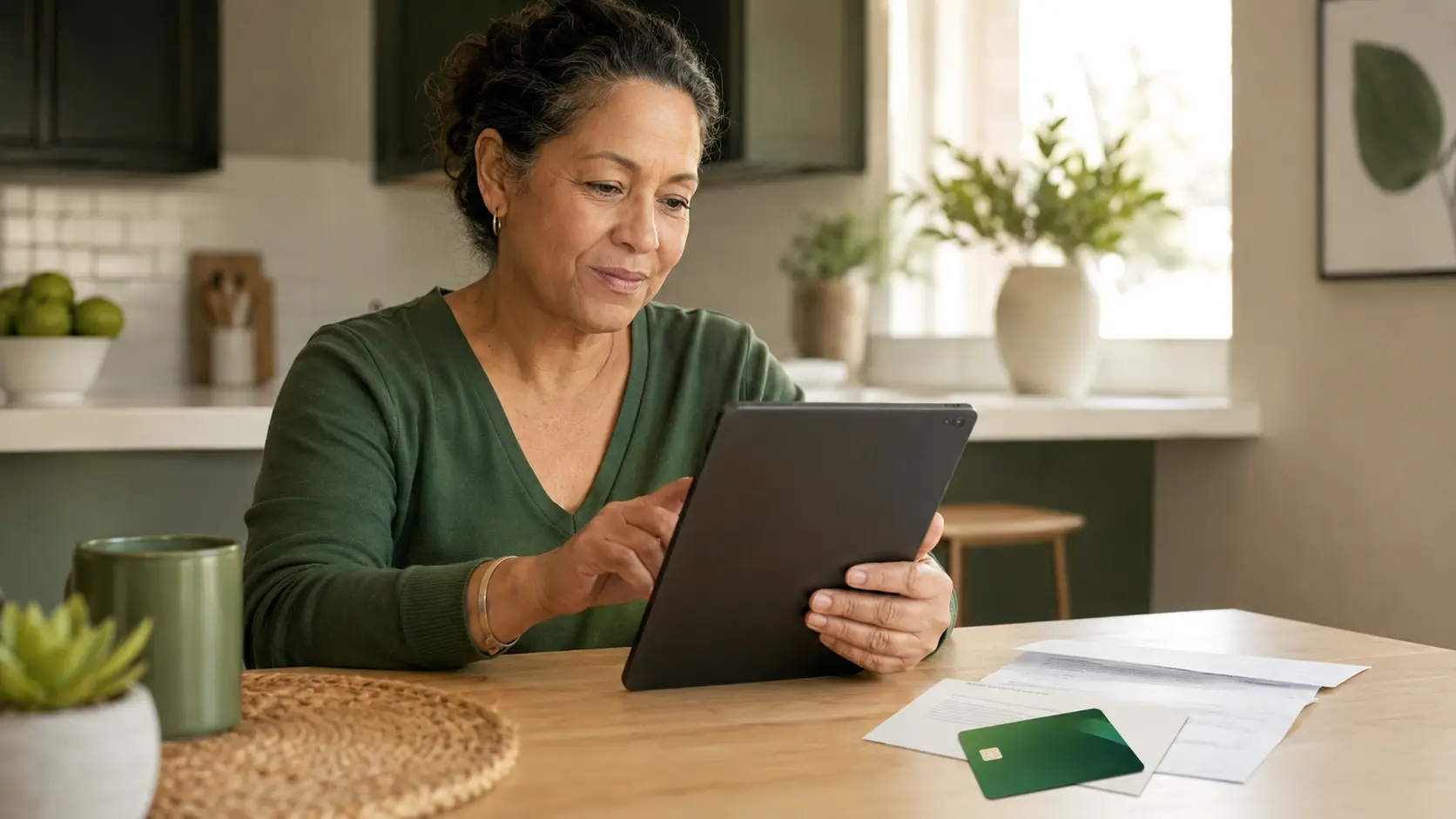
Can Food Stamp Users Really Get a Free Tablet?
Yes, SNAP users may qualify for Lifeline, and some Lifeline providers may offer a tablet or discounted device. But the tablet is not guaranteed. It depends on your location, provider availability, application approval, current device inventory, and plan rules.
This is the safest way to understand “free tablet with food stamps.” SNAP helps with eligibility. The tablet offer usually comes from a private provider, not directly from the SNAP program.
Lifeline, SNAP, and ACP: What Changed in 2026
Many old websites still talk about ACP tablet offers. That can confuse people.
The Affordable Connectivity Program, called ACP, ended because it ran out of funding. The FCC says ACP has ended for now, and households stopped receiving ACP discounts after June 1, 2024.
That means you should not rely on ACP for a tablet in 2026.
Lifeline is still active. Lifeline is separate from ACP and remains the main federal discount program for eligible phone or internet service. SNAP users may qualify for Lifeline because SNAP is an accepted eligibility program. Lifeline eligibility can also be based on income if a household is at or below 135% of the Federal Poverty Guidelines.
How SNAP Helps You Qualify for Lifeline
SNAP is one of the fastest ways to prove eligibility because you already receive a recognized public benefit. If your SNAP status can be verified, you may not need to prove income separately.
| Eligibility Route | What It Means |
|---|---|
| SNAP or food stamps | You receive active SNAP benefits. |
| Medicaid | You receive Medicaid benefits. |
| SSI | You receive Supplemental Security Income. |
| Federal Public Housing Assistance | You receive eligible housing assistance. |
| Veterans Pension or Survivors Benefit | You receive one of these qualifying benefits. |
| Certain Tribal programs | You participate in qualifying Tribal assistance programs. |
| Income | Your household income is at or below 135% of the Federal Poverty Guidelines. |
For most food stamp users, SNAP proof is easier than income proof. Income documents may require tax returns, pay stubs, or other records. SNAP proof is often simpler if your case is active and your document is current.
If you live at the same address but do not share income and expenses, you may still be treated as a separate household. In that case, you may need to complete a Lifeline Household Worksheet or provide more details during the application.
Do not apply with false information. It can lead to denial, loss of service, or future application problems.
Documents You May Need Before Applying
The biggest reason applications get delayed is weak documentation. Before you apply, collect clean and current proof.
SNAP Proof
Your SNAP proof should show:
| Required Detail | Why It Matters |
|---|---|
| Your name or your dependent’s name | Confirms who receives the benefit. |
| Program name, such as SNAP | Proves the qualifying program. |
| Issuing agency or program administrator | Shows the document is official. |
| Recent issue date or future expiration date | Shows the benefit is current. |
Lifeline’s supporting documents guide says acceptable program proof may include a benefit award letter, statement of benefits, benefit verification letter, or screenshot of an online benefits portal. The document should show the applicant or dependent’s name, the program name, the issuing agency, and a recent issue date or future expiration date.
Identity Proof
- Driver’s license
- State ID
- U.S. passport
- Permanent resident card
- Tribal ID
- Other accepted government ID
Address Proof
- Utility bill
- Lease agreement
- Mortgage statement
- Official benefits letter
- Government mail
- School or housing document
Step-by-Step: How to Apply for a Tablet with SNAP
Confirm Your SNAP Is Active
Log in to your state benefits portal or check your latest benefits notice. Your SNAP case should be active, not pending, closed, or expired. If your SNAP case is under review, wait until you have current proof before applying.
Prepare Your Documents
Save a clear copy of your SNAP benefit letter, benefits statement, or online portal screenshot. Make sure your name, program name, issuing agency, and date are visible.
Apply for Lifeline Eligibility
Use SNAP as your qualifying program. In many states, the application goes through the National Verifier, the eligibility system used by USAC for Lifeline applications.
Find Providers in Your ZIP Code
After checking eligibility, look for participating providers in your area. Not every provider serves every state or ZIP code.
Confirm the Tablet Offer Before Ordering
Do not assume every Lifeline provider has tablets. Some focus on phones or SIM cards. Others may offer tablets only in selected states or only while stock lasts.
Save Confirmation Details
Keep copies of your application number, approval message, provider emails, order number, and shipping notice if provided.
Before you order, check:
- Whether service is available at your address
- Whether a tablet is currently available
- Whether the device is free or discounted
- Any one-time activation, shipping, or device fee
- Monthly data amount
- Talk and text included
- Coverage quality in your area
- Support and replacement policy
Why Tablets Matter for SNAP Users
For many low-income households, a tablet is more than a basic device. It can support digital equity by helping SNAP users access school portals, job applications, telehealth visits, benefits accounts, email, and broadband connectivity tools from home.
SNAP does not directly provide a low-income hardware subsidy, but EBT card eligibility can help prove that a household may qualify for Lifeline. If a provider offers a tablet with eligible service, the device can help close the gap between having internet access and actually being able to use it.
A tablet will not solve every internet access problem, but it can be a useful tool when paired with reliable service.
What Kind of Tablet Can SNAP Users Expect?
Most tablet offers are basic Android devices. They are usually built for simple daily use, not gaming or high-performance work.
| Feature | Common Expectation |
|---|---|
| Screen size | Around 7 to 10 inches. |
| Operating system | Usually Android. |
| Storage | Often basic storage, sometimes 16GB to 32GB. |
| Condition | New or refurbished, depending on provider. |
| Data | Varies by plan and provider. |
| Best use | School, benefits, email, job search, telehealth, and basic browsing. |
Do not expect a brand-new iPad or premium Samsung tablet unless a provider clearly lists that exact offer and confirms availability. Many low-income tablet offers include entry-level Android tablets, refurbished devices, or basic models with limited storage.
Provider Comparison: What to Check Before You Choose
Provider offers change often. Instead of trusting any old list, compare providers using practical checks.
| Provider Type | What to Look For | Caution |
|---|---|---|
| Lifeline phone provider | Free or discounted talk, text, and data. | May offer phone only, not tablet. |
| Lifeline internet provider | Discounted broadband or wireless data. | Device may not be included. |
| Provider with tablet offer | Tablet listed during signup. | Stock may vary by ZIP code. |
| Provider with upgrade store | Low-cost device upgrade options. | Tablet may require extra payment. |
| State or local digital equity program | Local device access or computer help. | Rules vary by state and funding. |
Do not choose only because a page says “free tablet.” Choose based on total value, service coverage, data amount, device terms, and clear costs.
If readers want a related device-focused guide, they can also compare options on FreeTabletNow.com, then come back and verify eligibility through official Lifeline resources before applying.
Common Costs and Mistakes That Can Delay Approval
Possible Costs
- One-time device fee
- Activation fee
- Shipping fee
- Taxes or state fees
- Upgrade fee
- Replacement fee if the device is lost or damaged
Common Mistakes
- Uploading only an EBT card
- Applying with someone else’s SNAP
- Ignoring the one-household rule
- Believing ACP is still open
- Trusting guaranteed iPad claims
- Using old documents
- Not checking ZIP code availability
A “free tablet” offer may still include small costs. This does not always mean the offer is fake. Some legitimate offers include a small one-time payment. The key is transparency. A trustworthy provider should show costs before you submit payment.
SNAP Tablet Application Checklist
| Checklist Item | Status |
|---|---|
| SNAP benefits are active | Not started |
| Current SNAP proof is ready | Not started |
| ID is ready | Not started |
| Address proof is ready, if needed | Not started |
| No one in your household already uses Lifeline | Not started |
| Lifeline eligibility application completed | Not started |
| Provider availability checked by ZIP code | Not started |
| Tablet offer confirmed before ordering | Not started |
| Any one-time cost reviewed | Not started |
| Confirmation details saved | Not started |
Safety Tips for SNAP Users
Protect your personal information. A real application should not ask for your EBT PIN, SNAP portal password, full banking login, or payment details through social media.
Use official Lifeline resources and provider websites. If something feels rushed or too good to be true, pause before entering personal details.
What Happens After You Get Approved?
After approval, the provider may ship your device or service kit. Timing depends on the provider, document review, inventory, and delivery location.
Once you receive service, use it. Lifeline-supported services may have usage and recertification rules. If you ignore provider notices, fail to recertify when required, or stop qualifying, your monthly service can be affected.
If USAC asks you to recertify, LifelineSupport.org says you must complete recertification by the deadline or you can lose your Lifeline benefit. You should also update your provider if you move. If your address changes, your provider may need to update your Lifeline account and confirm continued eligibility.
FAQs
Can I get a free tablet if I have food stamps?
Yes, SNAP can help you qualify for Lifeline, and some providers may offer tablets. Approval and tablet availability are not guaranteed because offers depend on provider rules, ZIP code availability, and current stock.
Does SNAP directly give tablets?
No. SNAP provides food assistance benefits. Tablet offers usually come from participating Lifeline phone or internet providers, not directly from the SNAP program.
Is an EBT card enough proof for a free tablet application?
An EBT card may not be enough by itself. A SNAP benefit award letter, benefit verification letter, statement of benefits, or clear online benefits portal screenshot is usually stronger proof.
Is ACP still available for free tablets?
No. The Affordable Connectivity Program ended in 2024 after funding ran out. In 2026, SNAP users should focus on Lifeline eligibility and current provider offers.
Can I get a free iPad with food stamps?
Usually no. Most Lifeline-related tablet offers involve basic Android tablets, refurbished devices, or discounted entry-level models. Be careful with websites promising a guaranteed free iPad.
Can two people in one house get tablets?
Only if they are separate households under Lifeline rules. If they live together and share income and expenses, only one Lifeline benefit is allowed for the household.
Will I lose SNAP if I apply for Lifeline?
No. Lifeline is separate from SNAP. Applying for Lifeline should not cancel your food benefits.
What happens if my SNAP benefits end?
If your SNAP benefits end, you may need to qualify for Lifeline through another eligible program or through income. If you no longer qualify, your Lifeline-supported service may stop.
How long does a tablet take to arrive after approval?
Delivery time depends on the provider, document review, inventory, and shipping location. Some applications move quickly, while others take longer if manual review is needed.
What should I do if no tablet is available in my ZIP code?
You can still compare Lifeline phone or internet plans. Tablet offers change often, so check other participating providers in your ZIP code later.
SNAP can be a strong path to getting connected, but it does not automatically guarantee a tablet.
The safest method is to use your active SNAP benefits to qualify for Lifeline, submit clean documents, check providers in your ZIP code, and confirm the tablet offer before ordering.
The best result is not just getting a device. It is getting reliable service you can use for school, work, healthcare, job searches, benefits, and daily communication.